Every SIM used in Pakistan is registered against someone CNIC — and if a SIM in your name is misused, the questions come to you first. Checking takes one SMS, and every adult with a CNIC should do it once a year.
1. Check by SMS to 668
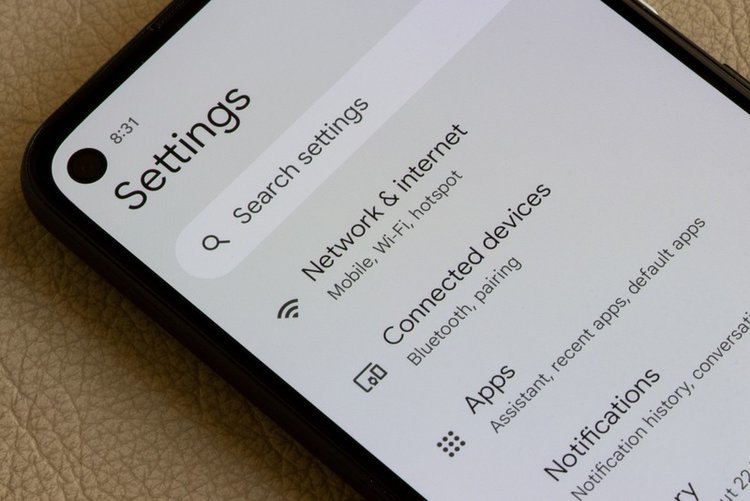
- Open Messages on any SIM.
- Type your CNIC number without dashes (13 digits).
- Send it to 668.
- You receive a reply listing how many SIMs are registered against your CNIC on each network.
This is an official PTA service. Keep the reply saved.
2. Compare with the SIMs you actually use
Count your own SIMs, family SIMs you knowingly keep in your name, and any data or device SIMs. The 668 reply total should match. A higher number means at least one SIM exists in your name that you do not control — take it seriously even if nothing has happened yet.
3. Get an unknown SIM blocked
- Visit the franchise or customer service centre of that network with your original CNIC.
- Ask them to show the numbers registered and to block or disown the ones you do not recognise — biometric verification is part of this process.
- Take the confirmation they give you and re-check 668 after a few days to confirm the count dropped.
Frequently asked questions
Is the 668 service official?
Yes — 668 is the official PTA SIM information service. Send your own CNIC number without dashes and the reply shows SIM counts per network.
The count is right but one number is not mine. What now?
Visit that network franchise with your CNIC and ask for the list of numbers and blocking of the unrecognised one. Recheck 668 afterwards.
Can I check someone else CNIC count?
No — only check your own CNIC. Using another person identity details without their permission is wrong and can be unlawful.