It happens all the time: a new SIM, a second SIM in a dual-SIM phone, or a number you only use for WhatsApp — and you cannot remember the number itself. Every Pakistani network gives you a free USSD code for this. Dial the code for your network and your number or balance appears on screen instantly.
Jazz (including Warid)
- Check your own number: dial *99#
- Check balance: dial *111#
- Check remaining MBs/offers: use the Jazz World app — it shows number, balance and all active bundles in one place.
Zong
- Check your own number: dial *8#
- Check balance: dial *310#
- Full account view: the My Zong app shows your number on the home screen after login.
Telenor
- Check your own number: dial *345*4#
- Check balance: dial *444#
- Full account view: the My Telenor app displays your number and remaining resources.
Ufone
- Check your own number: dial *780*3#
- Check balance: dial *124#
- Full account view: the My Ufone app shows number, balance and bundles.
If a code does not work
Networks occasionally change or retire codes. The method that never changes: open your network's official app (Jazz World, My Zong, My Telenor, My Ufone) — your number is shown on the main screen. You can also send a blank SMS or give a missed call to a friend standing next to you, and read your number off their screen. Calling your network's helpline (Jazz 111, Zong 310, Telenor 345, Ufone 333) from the same SIM also confirms the number registered in your name.
Frequently asked questions
Is checking my SIM number free?
Yes. All the number-check and balance-check codes above are free on their own networks; a normal balance inquiry may cost a few paisa on some packages, the number check does not.
How do I check how many SIMs are registered on my CNIC?
Send your CNIC number (without dashes) to 668 by SMS. You will receive the count of SIMs registered against your CNIC on each network — a free PTA service.
The code shows someone else's number. Why?
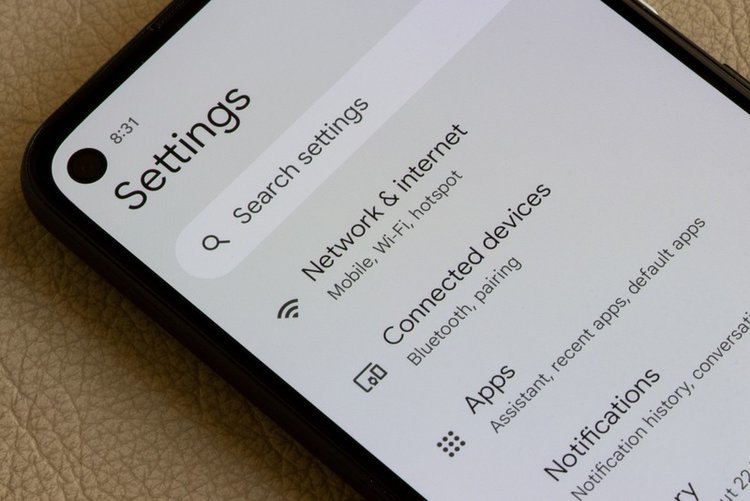
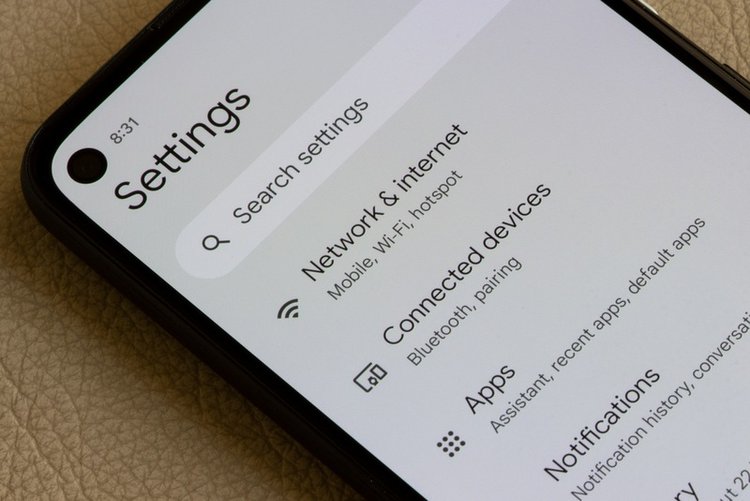
You are likely dialing from the other SIM slot in a dual-SIM phone, or the SIM is registered/being used differently than you think. Check the SIM manager settings and try the official app method.