A battery that suddenly drains fast is almost never a "dead battery" — in 9 out of 10 cases it is one app, one setting, or weak signals forcing the phone to work harder. Work through this guide in order; the first three steps find the real culprit on most phones.
1. Find the app eating your battery
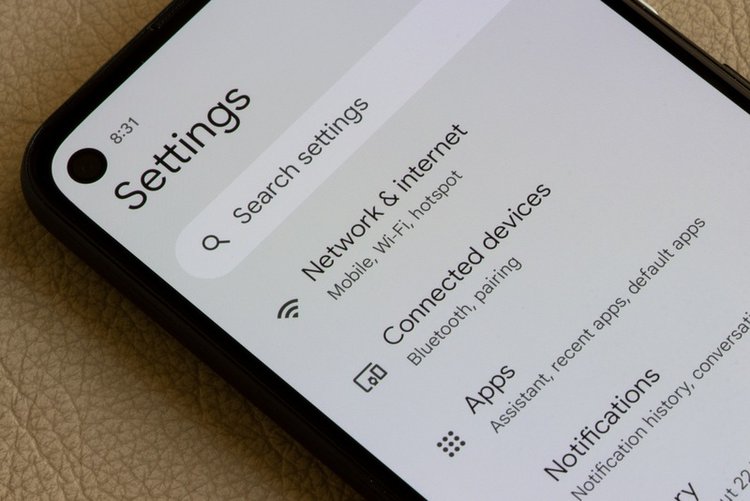
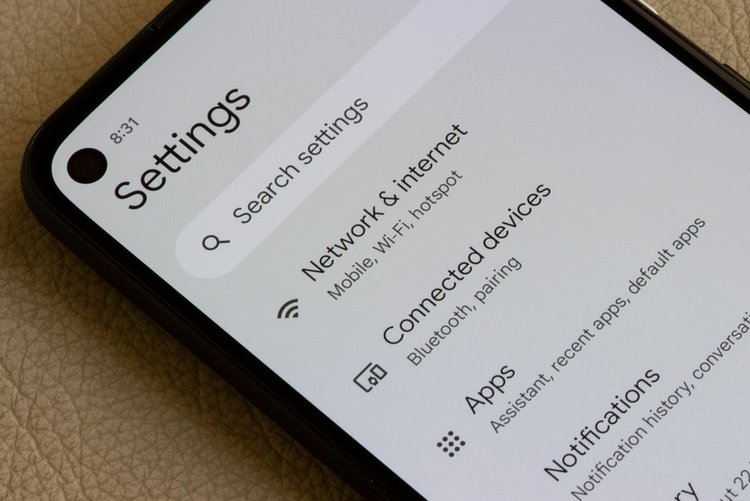
Go to Settings → Battery → Battery usage. The list shows exactly which app used how much since the last full charge. If an app you barely opened (Facebook, TikTok, a game, a VPN) sits at the top, that is your culprit — restrict it in step 4. If "Screen" is top, that is normal.
2. Restart — and install pending updates
A stuck process can drain a battery in hours. Restart the phone first. Then check Settings → Software update and Play Store updates — battery-drain bugs are among the most common fixes in updates.
3. Fix your screen — the biggest battery user
- Set brightness to Auto / Adaptive instead of full manual brightness.
- Reduce screen timeout to 30 seconds (Settings → Display → Screen timeout).
- On phones with 120 Hz refresh rate, switching to 60 Hz / Standard in Display settings can add 1–2 hours.
- Use dark mode on OLED/AMOLED screens — black pixels genuinely use less power there.
4. Restrict the top 2–3 heavy apps
Settings → Apps → (app) → Battery → Restricted for apps that drain in the background but are not urgent. Do not restrict WhatsApp, Gmail or your banking app — their notifications will arrive late. Social media, shopping and game apps are safe to restrict.
5. Turn on Adaptive Battery
Settings → Battery → Adaptive Battery → On (on Samsung: Battery → Background usage limits → turn on "Put unused apps to sleep"). Android learns which apps you rarely use and stops them waking up.
6. Stop location and Bluetooth scanning all day
Settings → Location → Location services → Wi-Fi scanning / Bluetooth scanning — turn both off. Also review which apps have "Always" location permission and change them to "Only while using the app" — weather and ride apps are common offenders.
7. Check for a wakelock: the Safe Mode test
If drain continues, hold Power → long-press Power off → Safe mode. Use the phone for a few hours. Battery normal in Safe Mode = a downloaded app is guilty; uninstall your newest apps one by one. Drain continues in Safe Mode too = go to step 12.
8. Reduce sync and notifications
Every auto-syncing account wakes the phone. Remove accounts you do not use (Settings → Accounts), and turn off notifications for apps that buzz all day — each wake-up costs battery.
9. Use 4G sensibly
Where 5G or strong 4G is unavailable, the phone constantly hunts for it. If you are on mobile data in a weak-coverage area, switching Preferred network type to 4G/3G/2G Auto (instead of 5G/LTE-only modes) stabilises both signal and battery.
10. Turn off Always-On Display and raise-to-wake extras
Always-On Display looks nice and costs 5–10% a day on many phones. If you need every percent, turn it off or schedule it for waking hours only.
11. Charge correctly to protect battery health
Batteries age fastest with heat. Do not game while fast-charging, do not leave the phone in a hot car or under a pillow charging, and prefer the original or a good-quality charger. Keeping charge roughly between 20% and 85% slows long-term wear.
12. When it really is the battery
If the phone is 3+ years old, the battery percentage drops in jumps (40% → 15% in minutes), the back panel is bulging, or drain continues after a factory reset — the battery itself is worn out. Get it replaced at the brand's authorised service centre; a swollen battery is a safety risk and should not be used.
Frequently asked questions
How long should a phone battery last in a day?
With normal use (WhatsApp, calls, some video, camera), a healthy mid-range phone should comfortably reach the evening on one charge. Needing a second full charge before evening, with light use, means something in this guide applies.
Does fast charging damage the battery?
Occasional fast charging is fine — phones manage heat and slow down near full. Daily heat is the real enemy: gaming while charging and charging in hot places wear the battery far more than the charger speed.
Will a new battery fix my old phone?
If the phone is otherwise fine and the drain survives a factory reset, yes — an original battery replacement at an authorised centre usually restores day-long life for a fraction of a new phone's price.