Losing your phone is a horrible feeling. Your photos, WhatsApp, banking apps and contacts are all inside it. The good news is that almost every Android phone has a free built-in tracking tool from Google called Find My Device, and it can show your phone on a map within minutes. Work through this guide in order: first locate the phone, then ring it, then lock it, and only erase it when there is no real hope of getting it back.
1. What must already be switched on
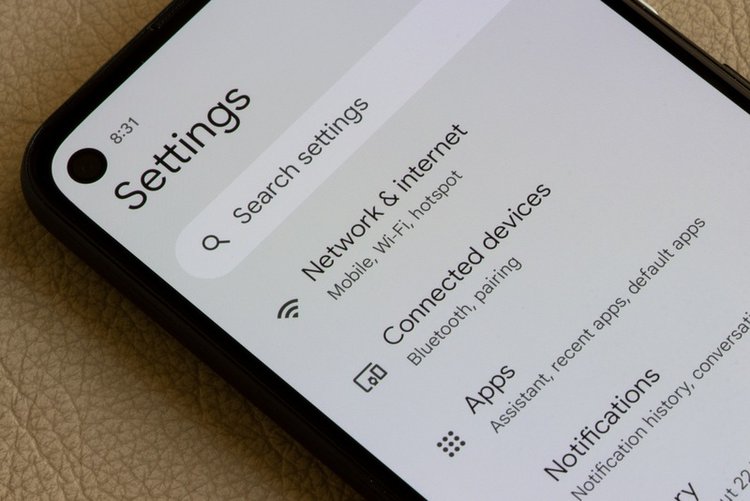
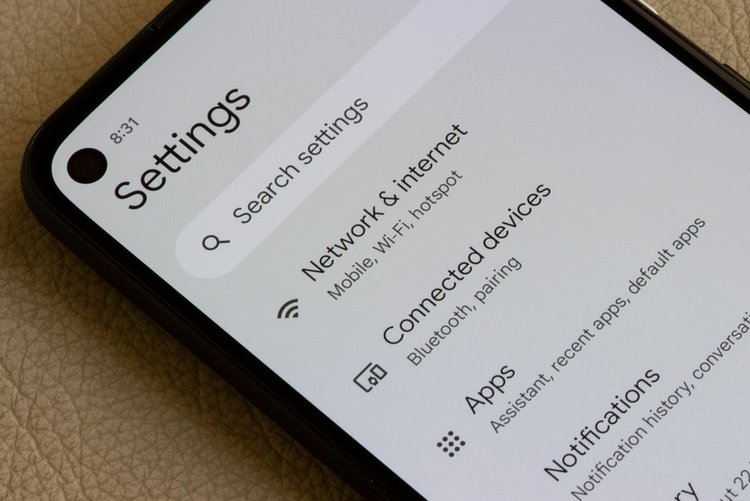
Find My Device works only if a few things were already set up on the phone before it went missing. The phone must be signed in to your Google account, connected to mobile data or Wi-Fi, and have location switched on. The Find My Device setting itself also needs to be on, which you can check any time in Settings → Security → Find My Device. If any of these were off, the map may show only the phone's last known location instead of a live one — that is still useful, so try the next steps anyway. On most phones these settings are on by default.
2. See your phone on a map
On any computer or another phone, open a browser and go to android.com/find. Sign in with the same Google account that is used on the lost phone. If you are using a friend's phone, the Find My Device app from the Play Store also allows a guest sign-in. After a few seconds you should see your phone's name, a pin on the map, its battery level and the network it is connected to. If you own more than one device, pick the right one from the list at the top. Zoom in on the pin — if the phone is nearby, you may recognise the building or street straight away.
3. Make it ring, even on silent
If the map shows the phone is somewhere close — at home, in the office or in a car — tap Play sound. The phone rings at full volume for up to five minutes, even if it was set to silent or vibrate. This is the fastest way to find a phone that has slipped under a sofa or into a bag pocket. Follow the sound, and stop the ringing by pressing the power or volume button once you have it in your hand.
4. Lock it and leave a message
If you cannot reach the phone yet, tap Secure device. This locks the phone with your existing PIN or password, or lets you set a new one if you never had one. You can also write a short message for the lock screen, such as 'This phone is lost, please call me' and add a number where a finder can reach you. Use a family member's number or a second SIM — not the lost phone's own number. Your data stays on the phone, and you can still track its location after locking it.
5. Erase the phone only as a last resort
The Erase device option wipes everything — photos, apps, messages and accounts — and restores the phone to factory state. Use it only when you are sure the phone is stolen or cannot be recovered, especially if it holds banking or payment apps. Be warned: after erasing, you can no longer track the phone on the map, because your Google account is removed from it, and there is no undo. If there is still a realistic chance of recovery, locking is the safer choice.
6. If the phone is switched off or offline
If the battery has died or there is no signal, you will see the last recorded location and the time the phone was last seen. Some newer phones can still be found for a few hours after switching off, using the Find My Device network of other Android phones nearby, but this does not work on every model. Keep checking the map every hour or so: the moment the phone is charged and switched on, its live location appears. Also try calling your number — sometimes an honest finder answers.
7. In Pakistan: block your SIM and report the IMEI
If the phone seems stolen, protect your accounts quickly. Call your network — Jazz, Zong, Telenor or Ufone — and ask them to block your SIM, so nobody can receive your bank or WhatsApp verification codes on it. Your IMEI number is printed on the phone's box and purchase receipt. Report the theft at your local police station with the IMEI, and a lost or snatched phone can also be reported through the PTA's system for blocking stolen handsets, so it cannot be used on Pakistani networks. Finally, change your Google account password from a safe device.
Most lost phones turn up within the first day, so stay calm and follow the steps in order. And when your phone is back — or you buy a new one — open Settings → Security and make sure Find My Device and location are switched on, so next time you are ready from the first minute.
Frequently asked questions
Does Find My Device work if my phone is switched off?
Usually it shows the last location recorded before the phone went off. Some newer models can be located for a few hours after switching off through Google's Find My Device network, but this is not available on every phone.
Will erasing my phone remove the data forever?
Yes. Erase device performs a factory reset and deletes your photos, apps and accounts from the phone, and it cannot be undone. It also removes your Google account, so you will no longer be able to track the phone afterwards.
Can I find my phone if location was turned off?
You will normally only see the last known location, if one was recorded. Ringing and locking may still work if the phone is online, but live tracking needs location to be on.