A phone that feels warm during gaming or fast charging is usually normal. A phone that burns your hand, shows a temperature warning, or gets hot while doing nothing is not. Work through this guide in order — most overheating is caused by one app, a bad case, heat from charging, or weak signals, not a dead phone.
First: what is normal, and what is not
- Normal: warm back during PUBG / Free Fire, 4K video recording, fast charging, or the first day after a big update.
- Not normal: too hot to hold comfortably, "Temperature too high" warning, battery dropping 20% in minutes while hot, or the back panel bulging. Stop using it, let it cool, and read the last section.
1. Remove the case and move to shade
Thick back covers trap heat like a jacket. Remove the cover, keep the phone out of direct sunlight and away from a hot dashboard or pillow, and give it 10 minutes. Never put a hot phone in the fridge or freezer — sudden cold creates moisture inside and can crack the screen.
2. Close the real culprit: check battery usage
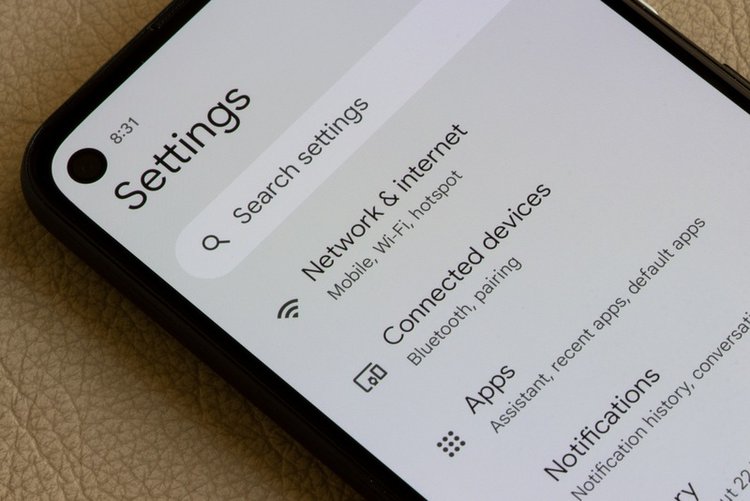
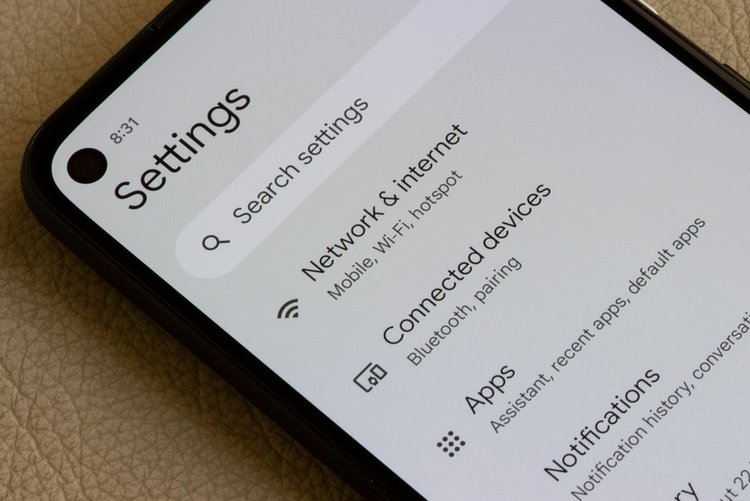
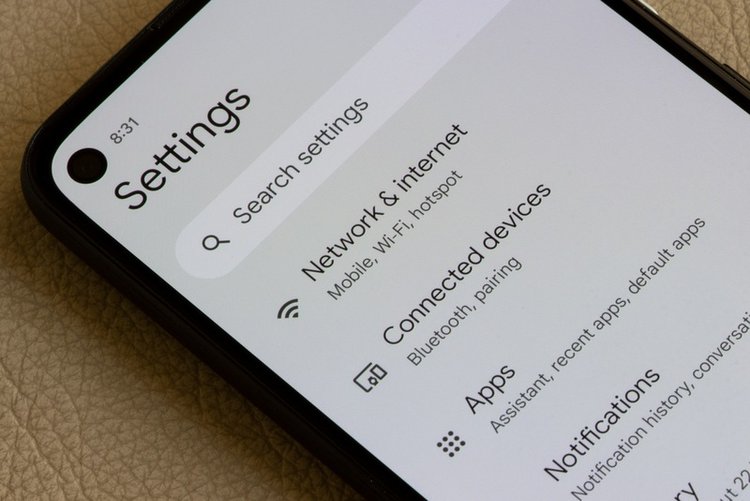
Go to Settings → Battery → Battery usage. An app you barely used sitting at the top — a game, VPN, camera app or a buggy social app — is often the heat source. Force stop it, update it, or uninstall it if the heat returns every time you open it.
3. Stop gaming or recording while charging
Charging itself creates heat; gaming and 4K video create more. Together they push the phone past its limit and age the battery fast. Charge first, play after — or at least remove the case and use a slow normal charger while using the phone lightly.
4. Lower screen brightness and refresh rate
The screen is a top heat producer. Use Auto brightness, and if your phone runs at 120 Hz, switch Display settings to 60 Hz / Standard on very hot days. You lose a little smoothness and gain a noticeably cooler phone.
5. Turn off what you are not using
Bluetooth, GPS location, mobile hotspot and NFC left on all day each add small heat and battery load. Hotspot is the biggest: sharing your 4G with two laptops will make any phone hot — use it plugged in, in open air, and turn it off when done.
6. Clear stuck downloads and updates
A stuck Play Store update or a photo backup retrying on weak mobile data can run the processor for hours. Open Play Store → Manage apps and cancel stuck updates; pause Google Photos backup until you are on Wi-Fi; restart the phone once — a restart kills stuck processes more reliably than any cleaner app.
7. Scan for adware and miners
If the phone heats up while idle with the screen off, suspect a bad app. Run Play Protect (Play Store → profile → Play Protect → Scan) and uninstall recently added free cleaner, downloader, wallpaper or VPN apps. Hidden crypto-mining and adware apps literally work your processor for someone else profit.
8. Update the software
Heat bugs after updates are common and are usually patched within weeks. Install pending system updates (Settings → Software update) and app updates — then judge heat again after a day of normal use.
9. Give it air during long video calls
Video calls combine camera, screen, processor and radio — the hottest normal activity. Prop the phone up instead of holding it in a closed hand, remove the case, and avoid charging at the same time. A small desk fan pointed at the phone genuinely helps during long classes and meetings.
10. When to visit a service centre
Go to the brand authorised service centre if: the back is bulging or the screen is lifting (swollen battery — stop using and do not charge it), the phone shows temperature warnings daily with light use, or heat survives a factory reset. A swollen battery is a fire risk, not a software problem.
Frequently asked questions
Why does my phone get hot while charging?
Some warmth is normal, especially with fast charging — power conversion creates heat. It becomes a concern if the phone is too hot to hold, charging pauses repeatedly, or you are gaming on a fast charger under a thick case. Use the original charger and remove the case.
Is a hot phone dangerous?
Mild warmth is not. A bulging back, a chemical smell, or repeated temperature warnings are — stop using the phone, do not charge it, and take it to an authorised service centre the same day.
Do cooling apps or phone coolers work?
Cooler apps mostly just close apps — which you can do yourself — and many show ads that add load. A clip-on fan cooler does help gamers during long sessions, but fixing the cause in this guide matters more.