In Pakistan a mobile bundle is money. When data finishes early, the cause is almost always background use — autoplay video, cloud backup and app updates running on your package without asking. Here is how to take control.
1. See which app used your data
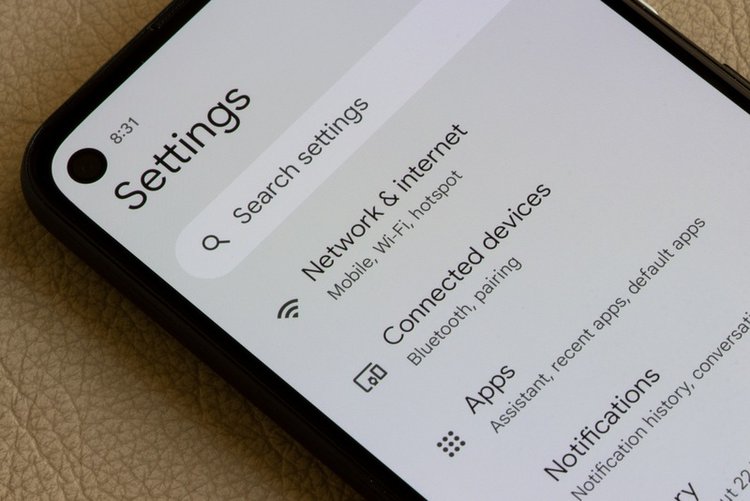
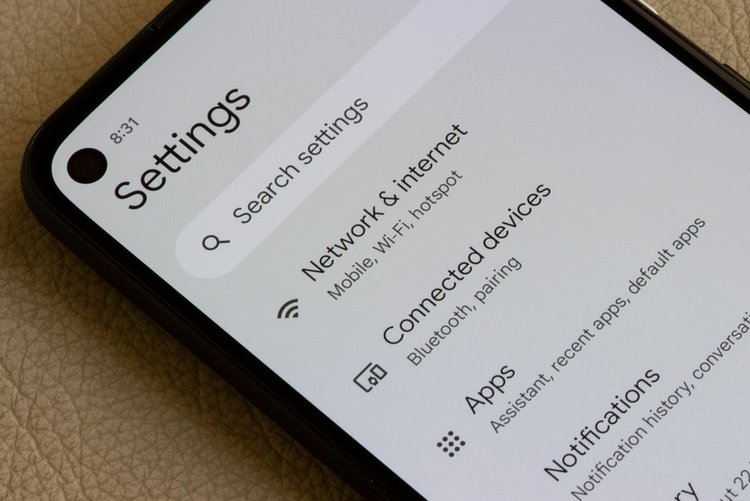
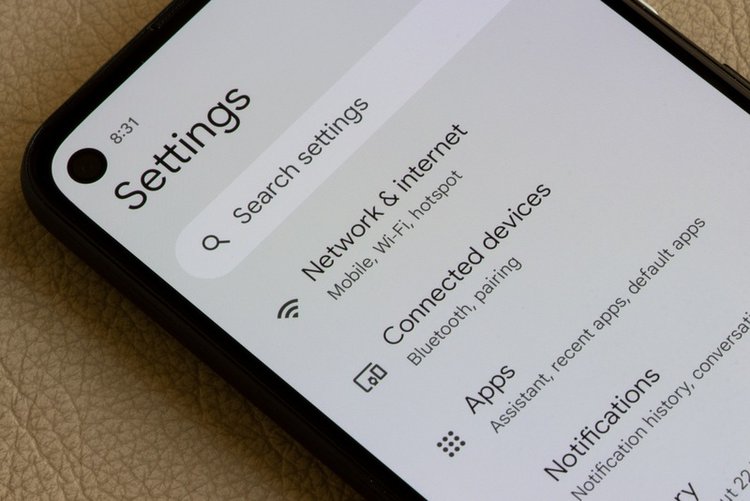
Settings → Network / Connections → Data usage → Mobile data usage. The list shows per-app use for the cycle. The toppers are usually TikTok, Facebook, YouTube, Instagram and WhatsApp media — plus one surprise, often a game or a browser.
2. Block background data for heavy apps
Tap an app in that list and turn off Allow background data usage for apps that do not need to stay live. Keep WhatsApp and email unrestricted if timely messages matter; restrict games, shopping and video apps freely — they will work normally when you open them.
3. Turn on Data Saver
Settings → Data usage → Data Saver → On. Android then blocks most background mobile data system-wide. Add only messaging apps to the Unrestricted list so their notifications still arrive instantly.
4. Stop the silent giants
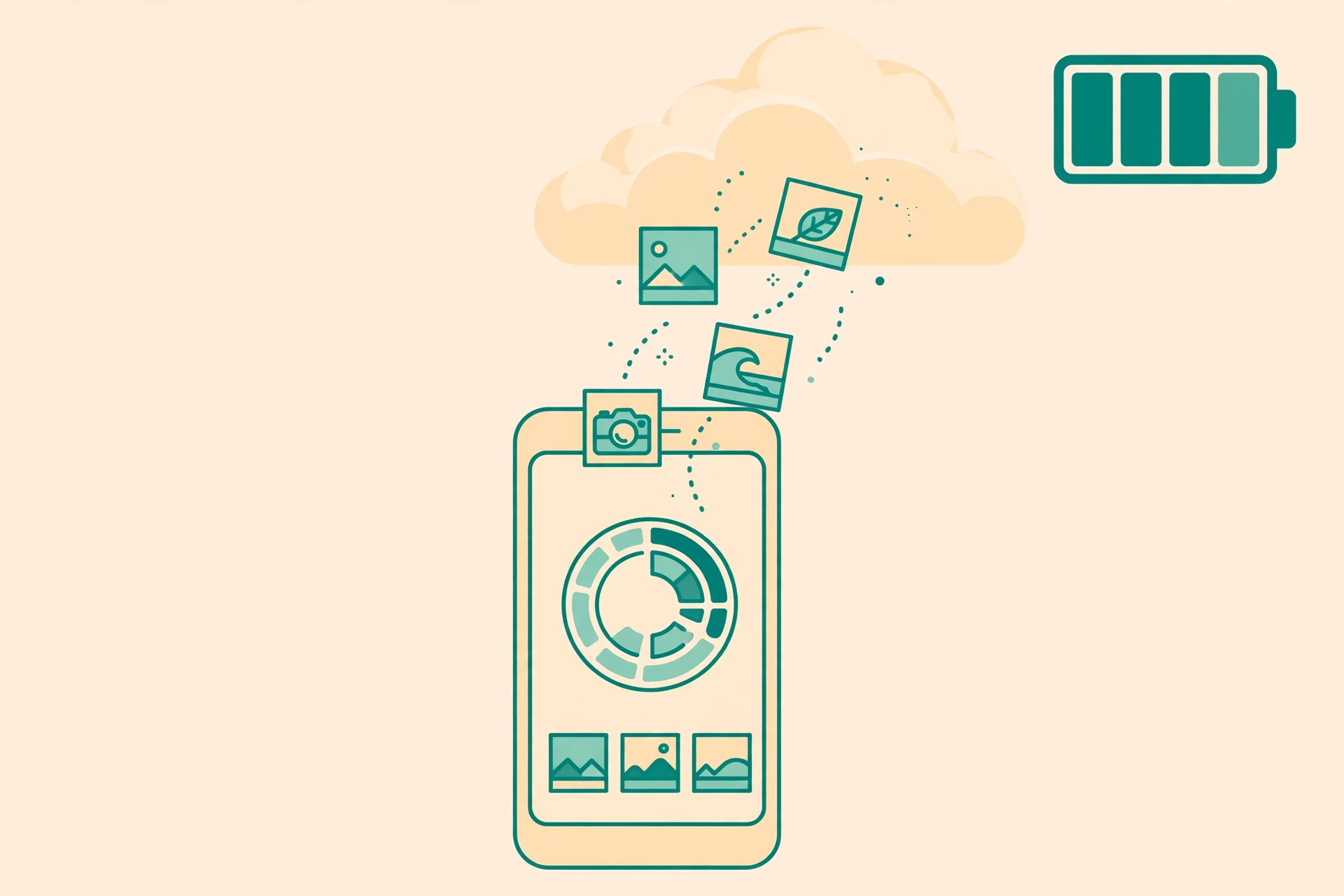
- Google Photos backup: set to Wi-Fi only, or your camera uploads eat the bundle.
- Play Store auto-update: Play Store → Settings → Network preferences → Auto-update apps → Over Wi-Fi only.
- WhatsApp media auto-download: WhatsApp → Settings → Storage and data → Media auto-download → on mobile data allow Photos only (or none), never videos.
- Facebook / TikTok / Instagram: in each app settings, turn on its own data saver and disable video autoplay on mobile data.
5. Download on Wi-Fi, watch anywhere
YouTube, Netflix and music downloads on home or office Wi-Fi cost your bundle nothing. A week of commutes can be covered by one evening of downloads.
6. Beware hotspot sharing
A laptop connected to your hotspot treats it like unlimited Wi-Fi — Windows updates alone can consume gigabytes. Set the hotspot connection as metered on the laptop, or watch the data counter while sharing.
Frequently asked questions
Which uses more data: TikTok or YouTube?
Both are video, so both are heavy — roughly hundreds of MB per hour depending on quality. Lowering playback quality in each app settings cuts use dramatically with little visible difference on a phone screen.
Does Data Saver break WhatsApp calls?
No — calls work when you make or receive them. Data Saver mainly stops background activity. Add WhatsApp to the unrestricted list if message delivery feels delayed.
My data finishes even when I barely use the phone. Why?
That pattern means background use: check the per-app list for Photos backup, a hotspot left on, or an app updating itself. The list in step 1 names the culprit exactly.