Buffering only on YouTube, while other apps work, usually points to quality settings, the app itself, or your Wi-Fi band — not a dead connection. Fix them in this order.
1. Set quality manually once
Play a video → gear icon → Quality. If it sits on a low fixed quality, choose Auto (recommended) or a specific quality your connection can hold: 480p needs roughly a stable few Mbps, 720p more, 1080p more again. Constant switching means Auto is struggling with an unstable connection — fixing stability below matters more.
2. Turn off YouTube data saver while on Wi-Fi
YouTube → profile → Settings → Data saving: options like reduced quality on mobile data are good on 4G, but make sure you are not forcing low quality everywhere. On mobile data, data saving is a feature — on Wi-Fi at home you usually want it off.
3. Clear the app cache and update
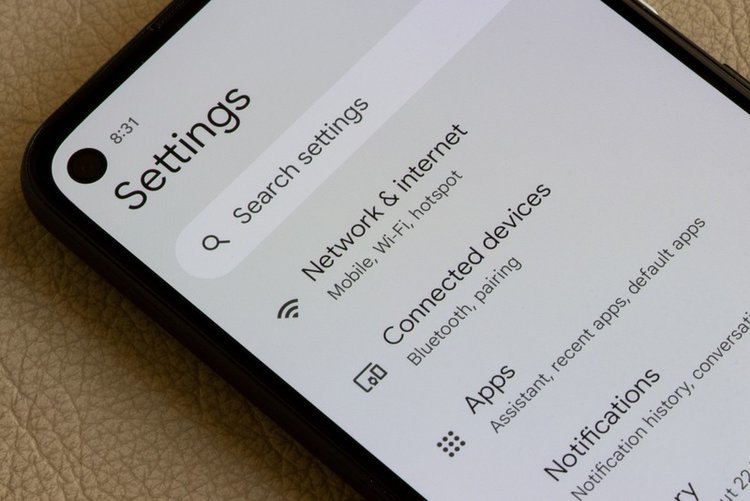
Android: Settings → Apps → YouTube → Storage & cache → Clear cache, then update YouTube in the Play Store. On a TV or TV box, update the YouTube app and restart the device — TVs left on standby for months accumulate exactly this fault.
4. Use the 5 GHz Wi-Fi band near the router
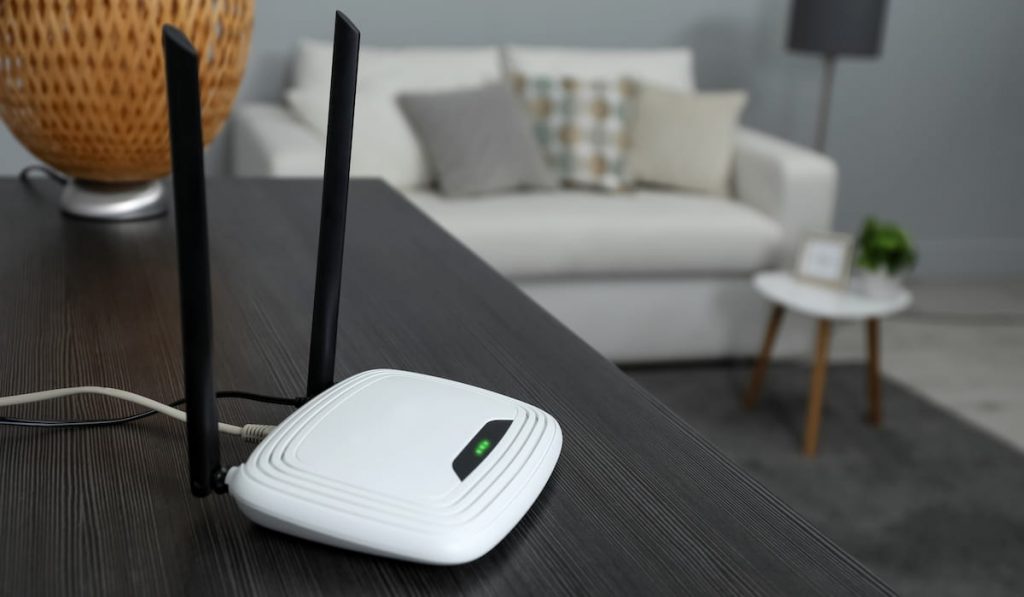
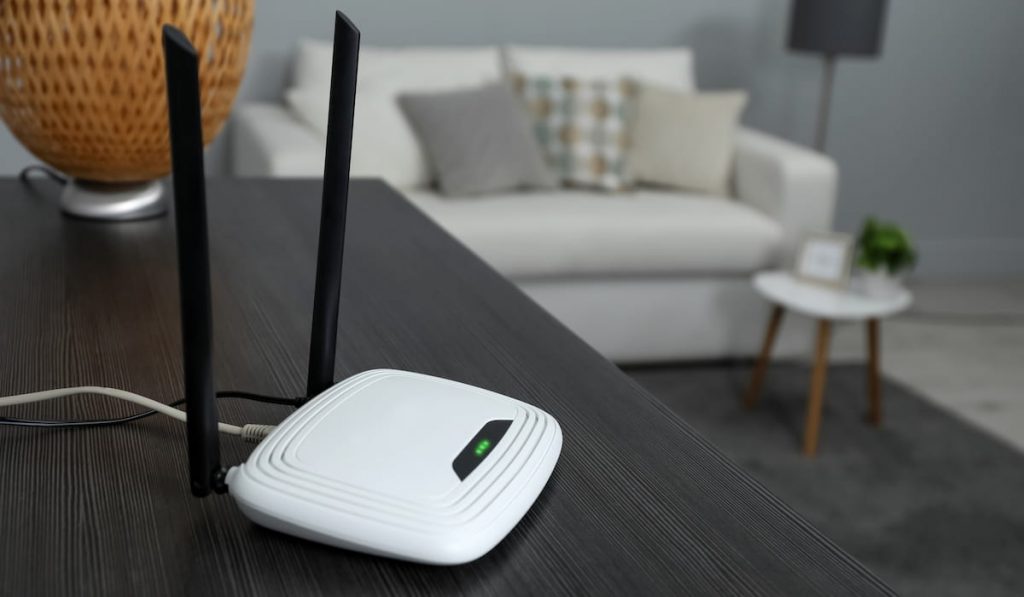
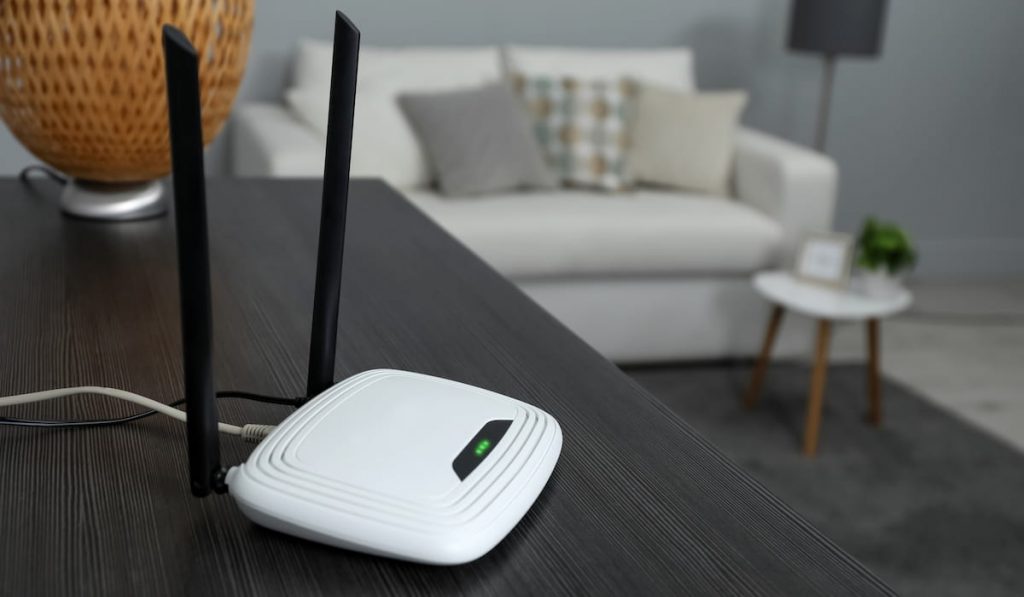
Video needs steady speed. If your router offers a 5 GHz network, use it in the same or nearby room; use 2.4 GHz only for distance. A phone showing full bars on a crowded 2.4 GHz channel will still buffer — see our Wi-Fi speed guide for channel fixes.
5. Restart the router and the playing device
The classic, because it works: router off for 30 seconds, phone or TV fully restarted. Especially after weeks of standby.
6. Check downloads and background use
Another device downloading a game or a phone backing up photos can starve video. Pause big downloads during viewing, and remove YouTube downloads you finished so storage pressure does not slow the app.
7. Disable VPN for YouTube
A VPN routes video through another country and often halves usable speed. Turn it off for YouTube unless you specifically need it.
Frequently asked questions
Why does YouTube buffer at night only?
Evening is peak time for both your home network and your provider. If daytime playback is smooth, congestion is the cause — lower a fixed quality like 480p for reliable evening viewing, or download earlier.
Does clearing YouTube cache delete my downloads?
No — cache is temporary data. Downloaded videos stay until you remove them from Library → Downloads. You stay signed in after clearing cache.
YouTube is fine on phone but buffers on TV. Why?
TVs are usually farther from the router and stuck on 2.4 GHz, and their apps update rarely. Move the TV to 5 GHz if in range, update its YouTube app, or connect by cable for the most stable result.