Connecting a phone to a TV works three ways: casting an app (best quality), mirroring the whole screen (shows everything), or a cable (most reliable). Choose by what your TV supports.
1. Cast from the app — try this first
If you only want YouTube, Netflix or similar on the TV: connect phone and TV to the same Wi-Fi, open the app on the phone, tap the Cast icon (a rectangle with Wi-Fi waves) and choose your TV. The TV streams directly in full quality and your phone stays free for other use. This works with Chromecast, Android TV / Google TV and many smart TVs.
2. Mirror the whole Android screen
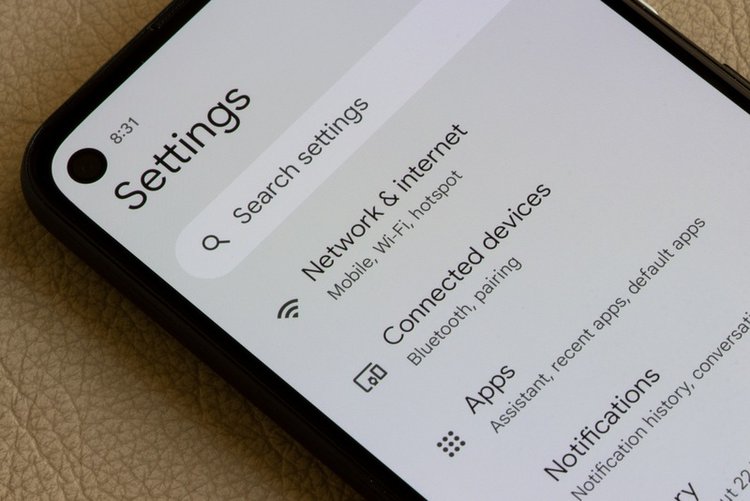
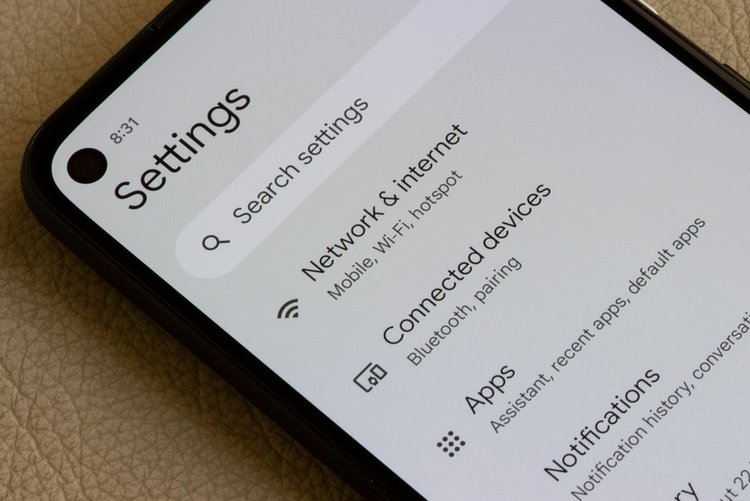
For photos, WhatsApp video calls or anything on screen: pull down Quick Settings and tap Cast / Screen Cast / Smart View (Samsung: Smart View; Xiaomi: Cast; others: Wireless display), then select the TV and allow the prompt on the TV. Both devices must share the same Wi-Fi network.
3. iPhone to TV
On iPhone use AirPlay: Control Centre → Screen Mirroring → choose an Apple TV or an AirPlay-compatible smart TV on the same Wi-Fi. Many Samsung, LG and Sony TVs support AirPlay 2 — check the TV settings if it does not appear.
4. No smart TV? Use a cable
A USB-C to HDMI cable or adapter works on most mid-range and flagship Android phones that support video output (many budget phones do not — check your model specifications honestly before buying). iPhones need a Lightning or USB-C digital AV adapter as appropriate. Cable means zero lag and no Wi-Fi needed.
5. Fix lag and stutter
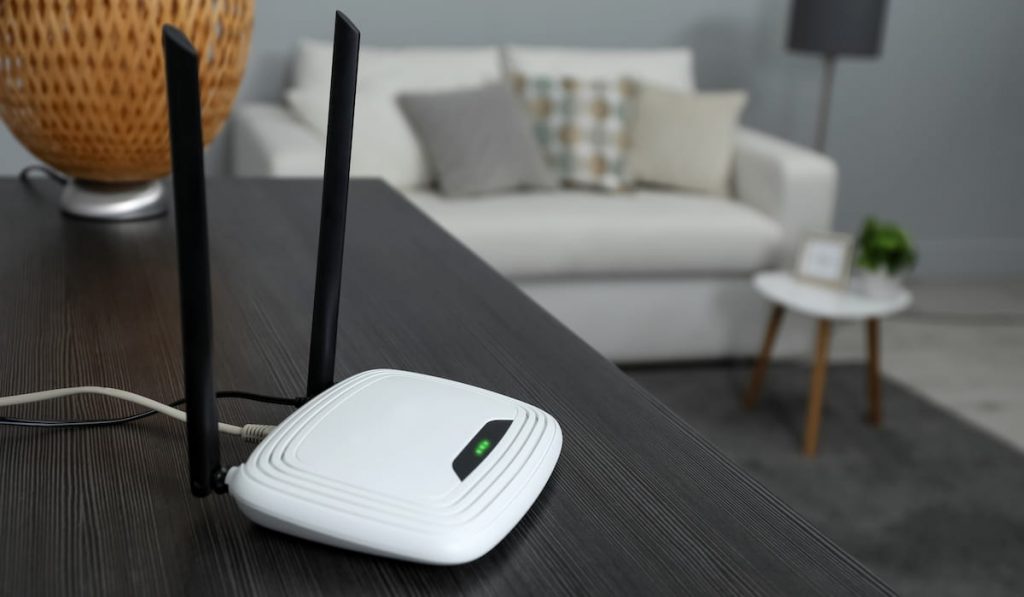
Mirroring over a crowded 2.4 GHz network lags. Use 5 GHz Wi-Fi near the router, close other downloads, and for games or presentations prefer casting from the app or a cable — full-screen mirroring always carries a small delay.
6. Privacy note
Mirroring shows everything, including notifications. Turn on Do Not Disturb before mirroring in front of guests, and stop mirroring when finished.
Frequently asked questions
Why does my phone not find the TV?
Same-network is the number one reason: phone on mobile data or a different Wi-Fi band network name can hide the TV. Then restart both and disable phone VPN.
Is mirroring or casting better quality?
Casting from the app is better — the TV plays the stream directly at full resolution. Mirroring re-encodes your screen, so it is softer and laggier, but it works for any content.
Can I connect without Wi-Fi at all?
Yes, with a compatible HDMI cable/adapter, or some TVs support direct wireless display connections. Cable is also the best choice where Wi-Fi is weak.